
How to Add Projects to Your LinkedIn Profile
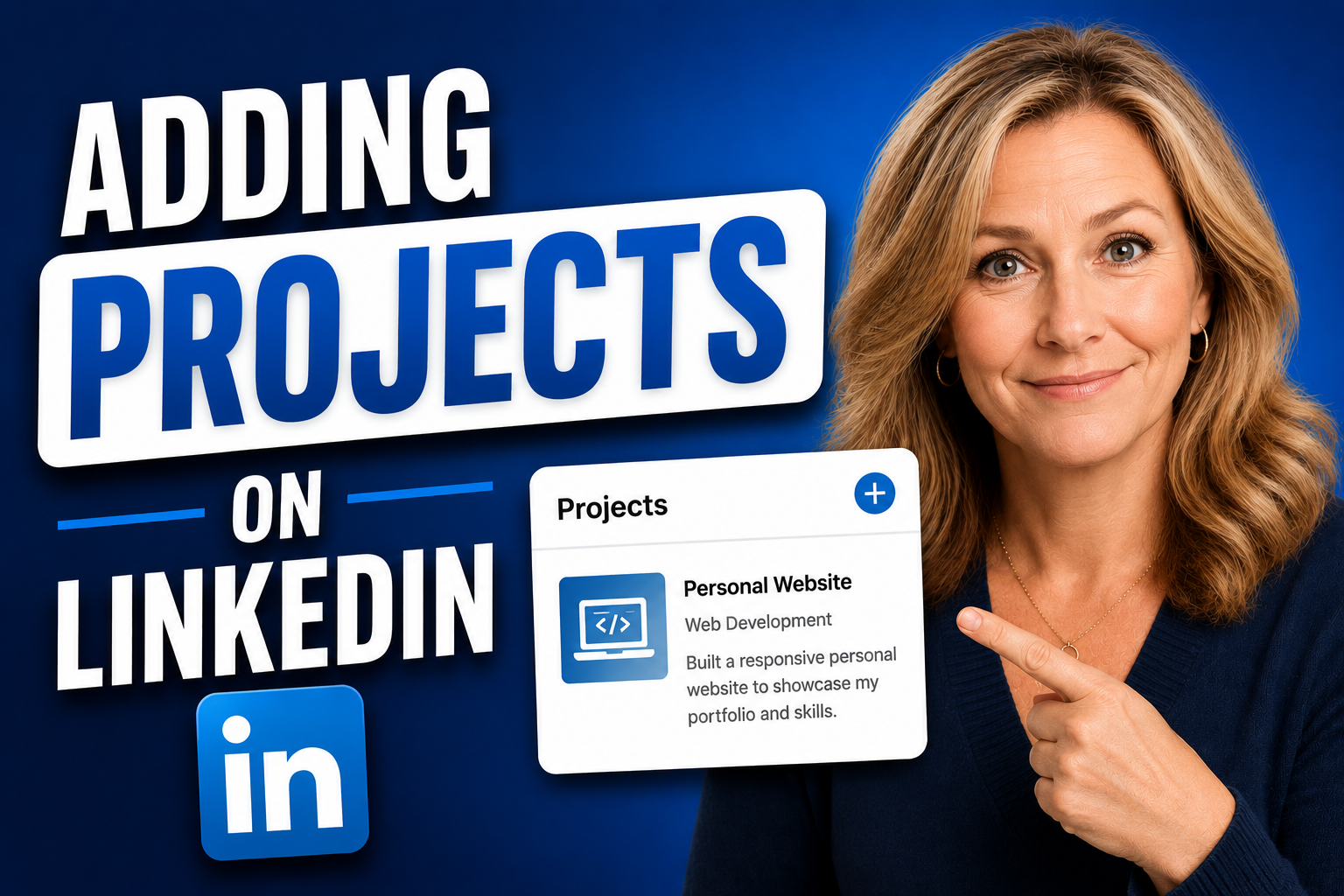
The following post explores How to Add Projects to Your LinkedIn Profile.
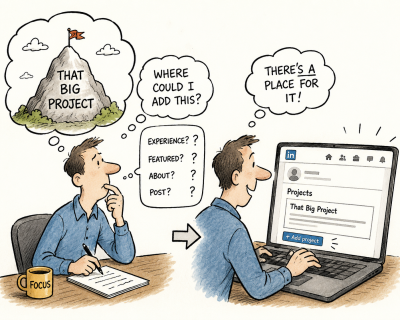
Have you ever looked at your LinkedIn profile and felt like an important part of your experience was missing? Not because the role is absent, but because the actual work behind it never really gets told.
Read: Benefits of Joining LinkedIn Groups
Related: LinkedIn Profile Optimization Tips
Adding projects to your LinkedIn profile can help bridge that gap. It creates space to highlight the initiatives, implementations, or accomplishments that helped define your professional experience.
Here’s what you need to know.
Overview
The LinkedIn Projects section is a profile feature designed to accommodate longer-form descriptions of specific work without disrupting the visual flow of your profile.
Each project entry supports up to 2,000 characters (approximately 300–500 words) and appears as its own contained listing, allowing users to provide meaningful detail about individual initiatives without overcrowding the Experience section.
Projects can be used to document specific implementations, launches, research initiatives, client engagements, creative work, independent ventures, or other noteworthy accomplishments. Each entry includes a project title, description, optional date range, associated skills, media attachments, and the ability to link the project to one or more positions listed in your Experience section.
LinkedIn does not currently impose a limit on the number of projects users may add.
When drafting your project descriptions, it is worth noting that you can’t use special formatting such as bullet points, hard returns, or other structured layout elements. Project descriptions display as a continuous block of text, so content should be written with readability in mind.
Project Name
The Project Name field is the title of the project as it will appear on your LinkedIn profile. This should be the formal name of the initiative, program, implementation, launch, or body of work you are documenting. If the project did not have an official title, a concise descriptive label may be used instead.
👉 Project Name Examples:
- HRIS Implementation (Human Resources)
- CRM Migration (Sales)
- Website Redesign (Marketing)
- ERP System Rollout (Operations)
- Product Launch Initiative (Product Management)
- Cybersecurity Infrastructure Upgrade (Information Technology)
Creators
The Creators field allows users to identify other individuals who contributed to the project alongside them. This may include colleagues, classmates, collaborators, partners, or other participants who were involved in the work. Adding creators is optional and is intended to reflect shared participation in the project.
Dates
The Dates field allows users to specify the month and year a project began and ended. LinkedIn also includes an option to indicate that the project is currently in progress. Adding project dates is optional.
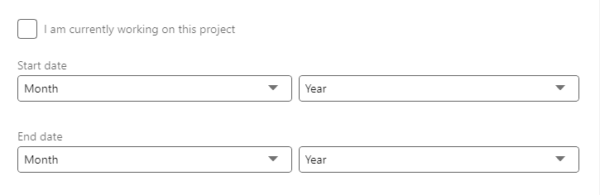
Pictured: screenshot of the dates section on a LinkedIn profile.
Associated Role
The Associated Role field allows users to connect a project to a specific entry from their LinkedIn profile history. This may include a position listed in the Experience section or an academic entry from the Education section, helping establish where the project took place. Adding an associated role is optional.
Media
The Media section allows supporting content to be attached to the project entry. This may include documents, presentations, links, images, videos, or other materials that provide additional context or visual evidence of the work.
URL
The URL field allows users to attach a web link to the project entry. This may include a project website, online portfolio, published work, product page, GitHub repository, or another relevant online resource associated with the project. Adding a URL is optional.
Skills
The Skills field allows users to associate relevant competencies with the project. These may include technical abilities, functional expertise, leadership capabilities, methodologies, tools, or other skills directly related to the work being described.
Description
The Description field is the primary space for explaining the project itself. LinkedIn allows up to 2,000 characters in this section, with descriptions displayed as a continuous block of text without bullet points or advanced formatting.
I recommend writing projects in an active first-person format. The description should provide an overview of the project along with action steps and positive results. Similar to the format of a STAR story (situation, tasks, actions, results), your goal in the text is to paint that picture.

Screenshot: Empty Project Description on LinkedIn
Project Examples
Now that we’ve explored the individual components of LinkedIn’s Projects section, here are some fictional examples of well-written project descriptions that use an active first-person narrative to explain the project context, the work performed, and the outcome achieved.
Notice that these examples are written as concise project stories rather than lists of disconnected responsibilities.
Each description provides enough context to help the reader understand the nature of the initiative, outlines specific actions taken, and concludes with a clear result or positive outcome.
While LinkedIn allows up to 2,000 characters per project entry, strong descriptions do not necessarily need to use the full space. The goal is to provide enough substance to communicate meaningful work while keeping the content readable in LinkedIn’s paragraph-style format.
👉 Example #1: HRIS Implementation (character count: 985)
As HR Manager at Acme Corporation, I led the implementation of a new Human Resources Information System to replace a fragmented manual process used for onboarding, benefits administration, and employee record management. Existing workflows created delays, duplicate data entry, and inconsistent reporting across departments. Working closely with HR leadership, IT, and an external software vendor, I helped evaluate platforms, define requirements, coordinate data migration, and support rollout planning. Training materials were developed to improve adoption, and managers were guided through updated workflows. The implementation resulted in faster administrative processing, stronger reporting accuracy, and a more streamlined employee onboarding experience.
👉 Example #2: CRM Migration (character count: 1,013)
As Sales Operations Manager at Northstar Technologies, I played a lead role in migrating the sales organization from a legacy CRM platform to a modern solution designed to improve forecasting, automation, and cross-functional visibility. The prior system suffered from inconsistent usage, unreliable reporting, and limited workflow functionality. Responsibilities included documenting business requirements, partnering with sales leadership to redesign processes, overseeing data cleanup efforts, coordinating migration activities, and assisting with user acceptance testing. Collaboration with marketing and customer success teams helped ensure downstream alignment. The completed migration created stronger pipeline visibility, more consistent data practices, and improved collaboration across revenue teams.
👉 Example #3: Website Redesign (character count: 1,012)
As Marketing Director at Summit Advisory Group, I helped lead a full website redesign initiative focused on modernizing the company’s digital presence, improving usability, and aligning the platform with updated branding objectives. The previous site had become dated, difficult to navigate, and cumbersome to manage internally. Cross-functional collaboration with leadership, designers, developers, and content stakeholders helped shape project goals, organize requirements, review creative concepts, and support quality assurance prior to launch. Content was refined throughout the process to improve messaging clarity and user flow. The redesigned site delivered a stronger brand presentation, improved visitor experience, and a more scalable digital foundation.
In Conclusion
I hope this article sheds light on how to add projects to your LinkedIn profile. For professionals who have led major initiatives, implementations, launches, or other noteworthy efforts, it offers a practical way to provide richer context around accomplishments while keeping your profile visually organized and easy to navigate.
If you’re ready for professional assistance with building your LinkedIn profile, we’re here to support you. Please use the Contact Us or Submit Your Resume for a risk-free evaluation. JobStars is an A+ BBB-rated service that has earned multiple consecutive Complaint Free Awards.
About the Author: Doug Levin